Essential Elgato Stream Deck Macros and Automations for Content Creators
Configure smart OBS transitions, instant replay clip markers, and studio lighting synchronized with a tap.

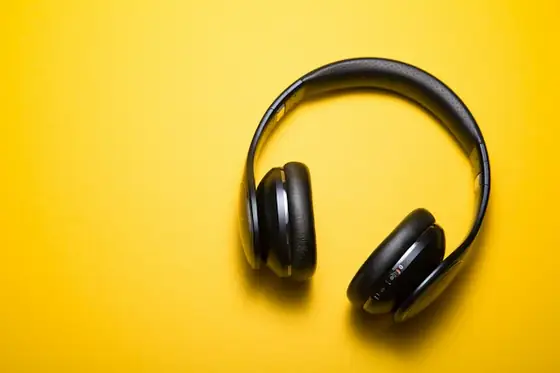
Sidechain audio ducking automation
Setting up macros that automatically dip background music by 6 dB whenever you speak ensures vocal clarity without manual fader riding.
Instant Replay ClippingAssigning a macro to the OBS replay buffer captures the last 60 seconds of action and timestamps it for fast TikTok exporting.
Synchronized studio lighting with subscriber triggers
Hooking smart key light panels to live subscriber alerts adds immediate dynamic energy to streams.
Key Takeaways
- •Audio ducking automatically lowers music volume when you speak.
- •Instantly save and tag replay buffers with a single macro keypress.
- •Sync room lights with on-screen follower and raid notifications.
It provides in-depth technical context, hardware benchmarks, and community analysis of recent changes.
Did you find this article interesting?
Your vote helps calibrate recommendations in the community.
Comments (0)
Recommended Reading
AI Voice Cloning in Live Streaming: Real-Time Dubbing, Ethics, and Platform Rules
How neural voice synthesis enables real-time stream translation preserving vocal timbre, and what YouTube and Twitch synthetic media rules require.
TikTok Live Studio: Best Settings for Vertical Mobile Gaming Livestreams
Optimizing 9:16 vertical canvas: webcam framing, game crop placement, and bitrate guidelines for mobile feeds.